

LIVE Intelligent Scripts
Introducing LIVE Intelligent Script
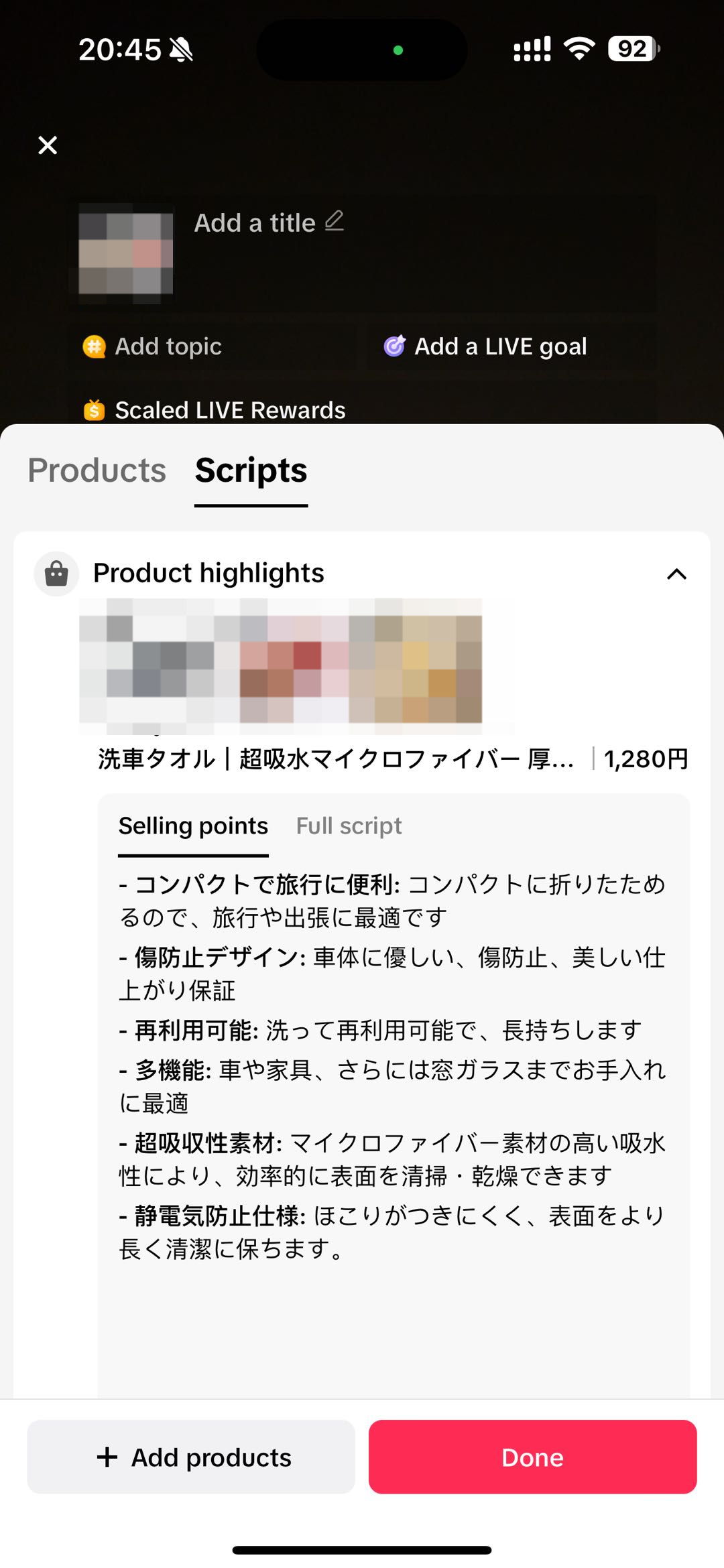
Understanding how to structure LIVE content and creating essential talking points are fundamental first steps to successful LIVE selling. LIVE Intelligent Script is a new mobile tool designed to guide hosts of all levels in keeping the audience engaged, driving attention and boosting conversion during livestream.Backed by smart technology, recommended scripts are outlined into 3 sections of "Opening remarks", "Closing remarks", "Product highlights", and it suggests diverse sales pitches and selling points of the products to be showcased in your LIVE sessions. Elevate your livestreams to the next level with LIVE Intelligent Script, a productive tool to help you generate dynamic and impactful product promotions.
Opening and Closing | Product highlights |
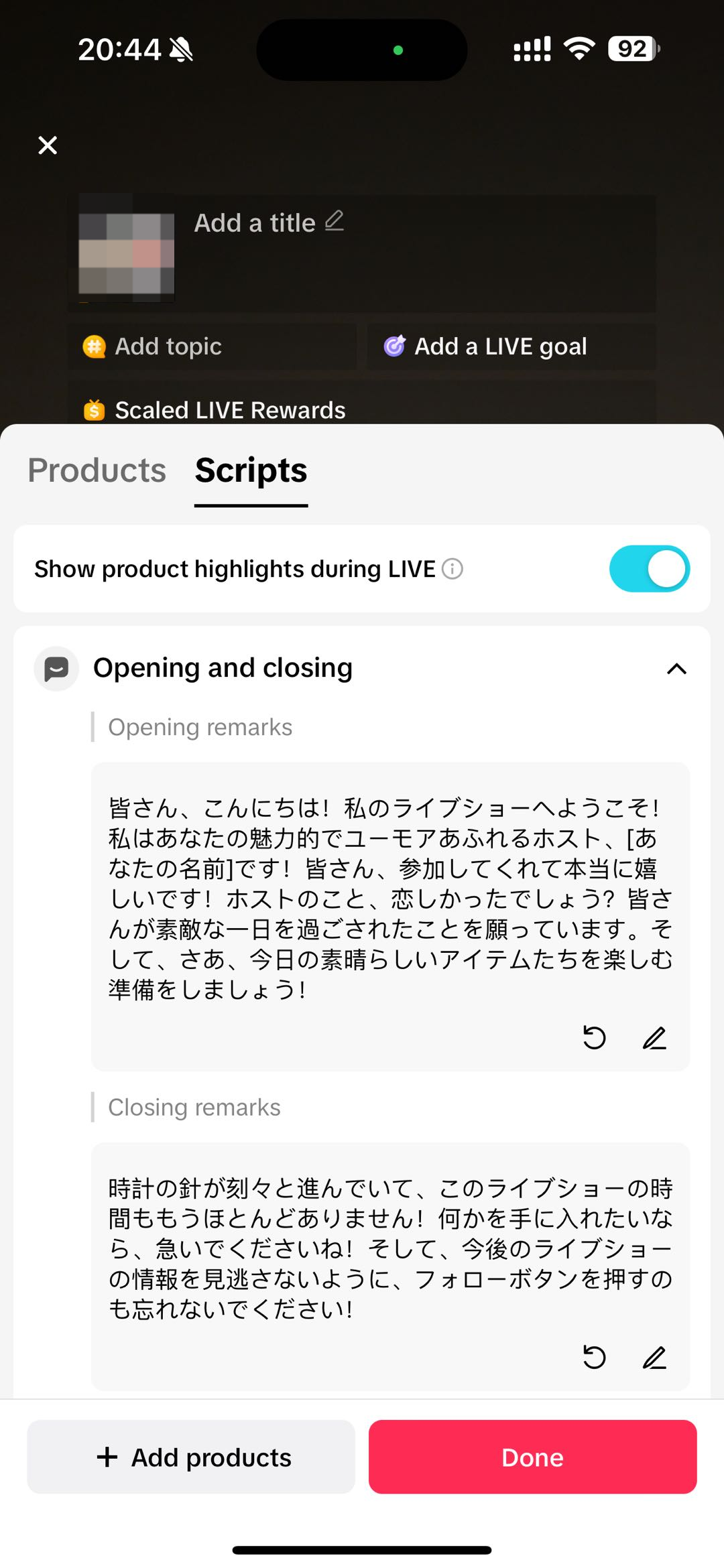 | 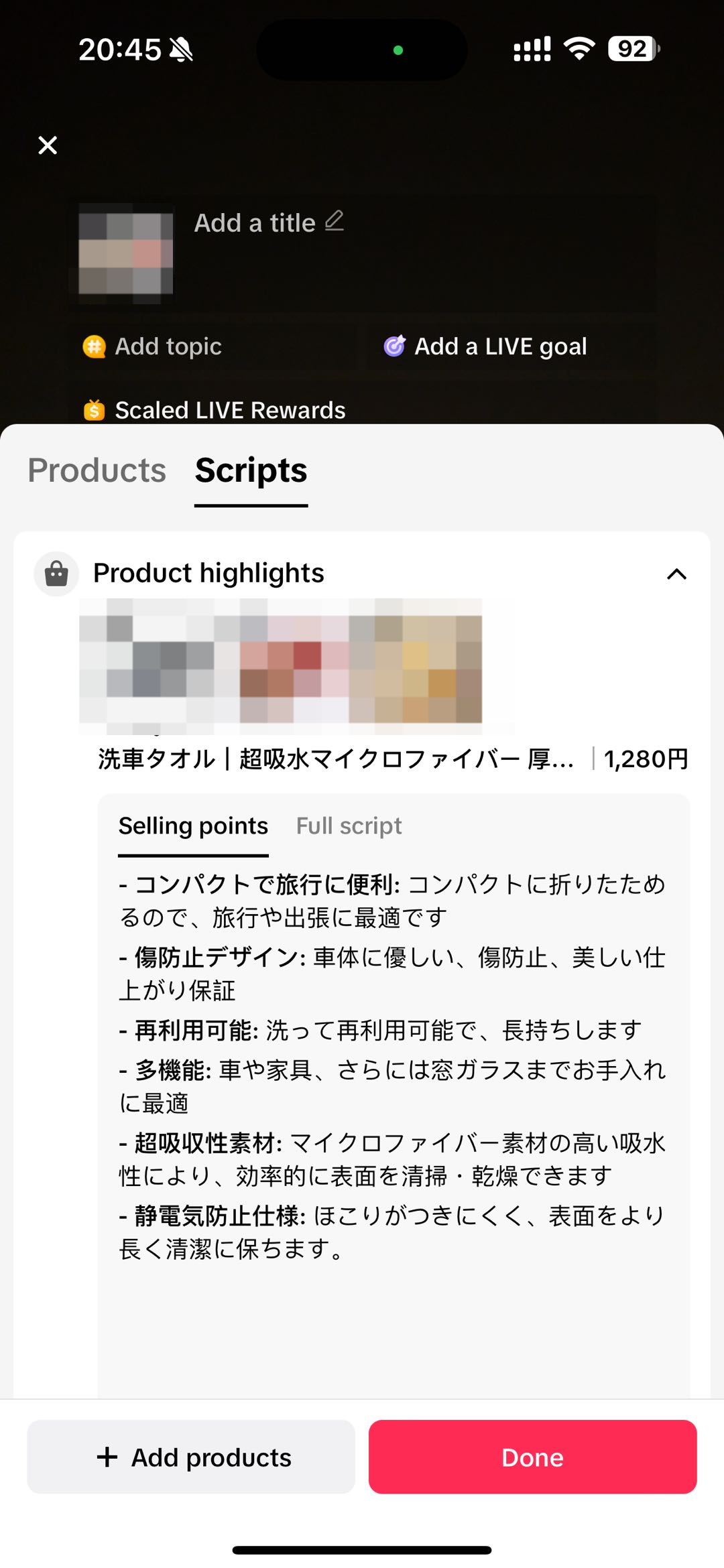 |
Benefits of using LIVE Intelligent Script
- Enhance Structure: LIVE Intelligent Script helps develop a well-organized framework for your content, ensuring that key points are covered in a logical sequence. Smart suggestions include various strategies and script structure of Product Use Demonstration, Personal Engagement, Relatability, Personal Testimony, Call to Action, Humor and Playfulness, Personal Connection. Get inspiration for more interactive opening remarks and effective closing remarks to keep your viewers engaged and interested.
- Save Time: By automating the scriptwriting process, you save time that would have been spent brainstorming and organizing content from scratch. In particular, scripts for "Product information" provide a good summary of the product and its selling point, making the LIVE Intelligent Script a great toolkit to assist you do the research on product highlights in the most effective way.
- Improve Engagement: LIVE selling is not only about showing the product, but its on how to articulate the products' value more effectively and appeal to the audience's needs. Drive viewer engagement and conversion by integrating effective tactics and different talking points for product showcase, from Demonstrating Product Usage, Creating Urgency, Emphasizing Versatility, Highlighting Unique Selling Points and Product Benefits, Repetition for Emphasis.
How to use LIVE Intelligent Script
TikTok App
Steps | Key Features & Description | Screenshot | ||
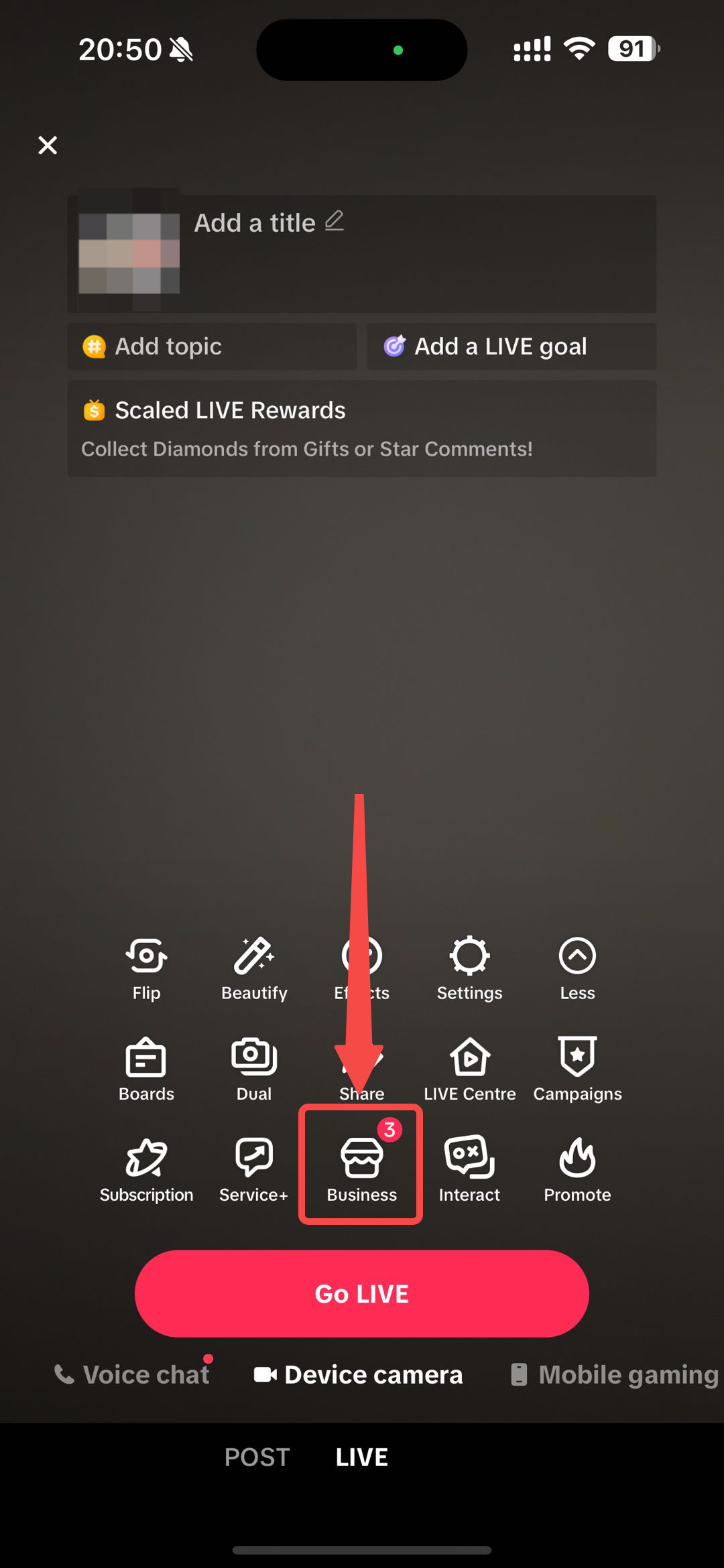
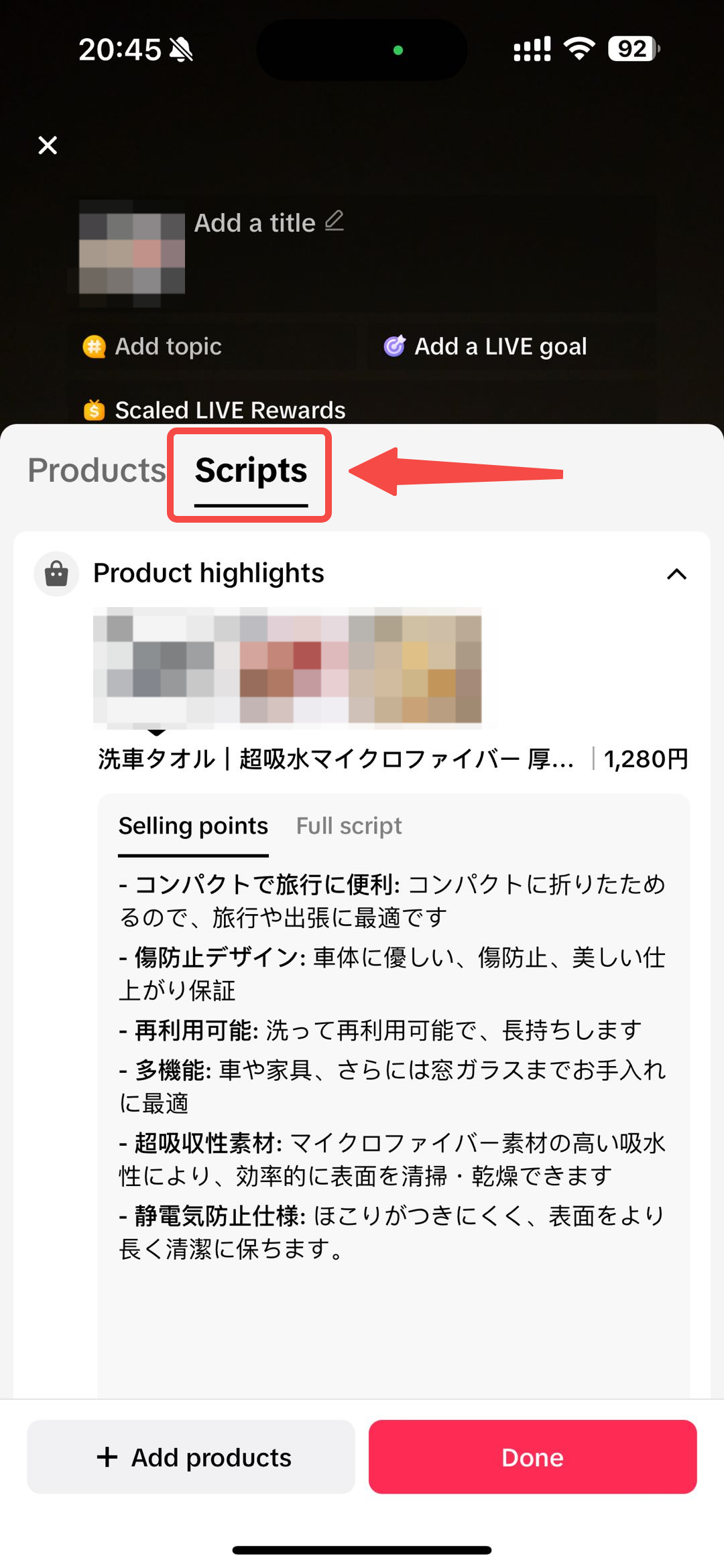
Step 1 | Add product to LIVE Sales & View Script Suggestions
|  |  |  |
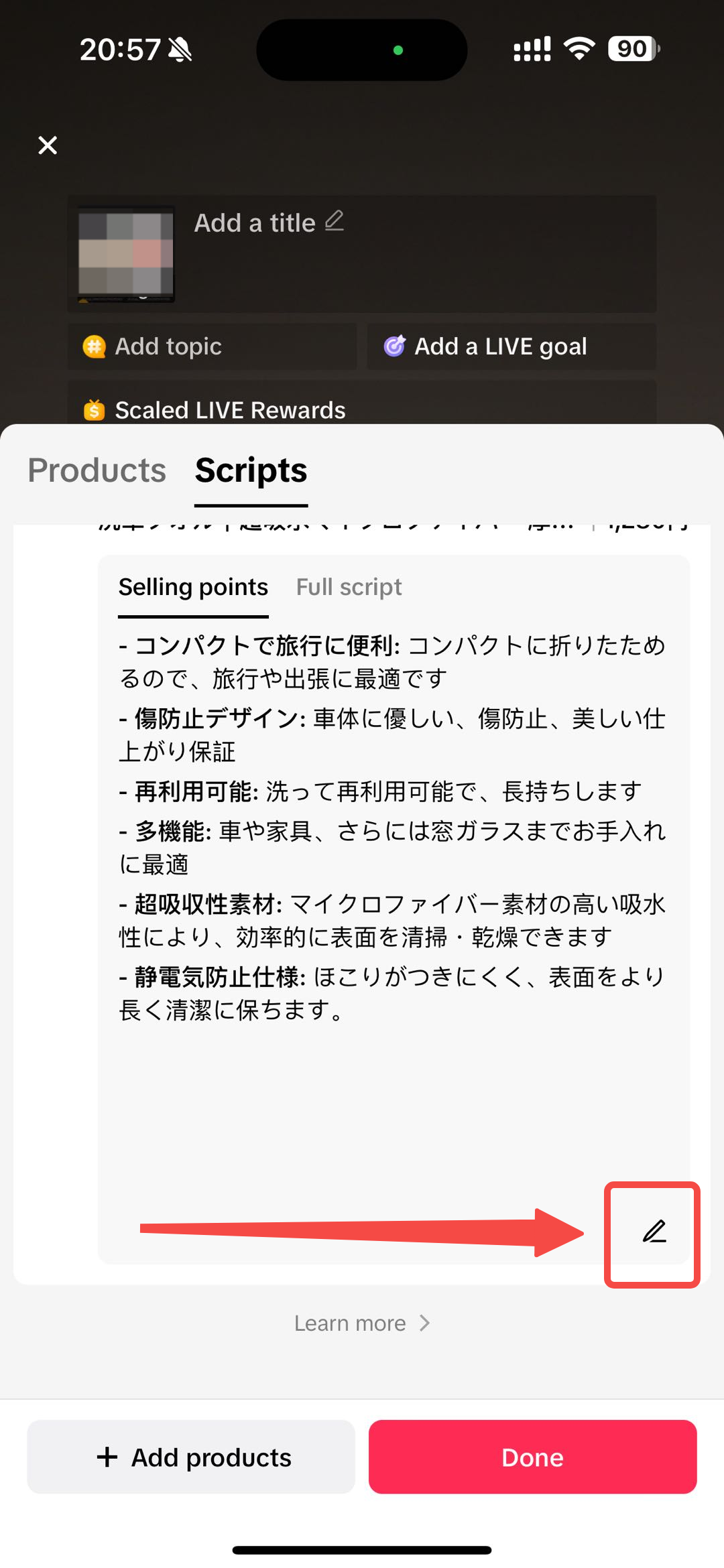
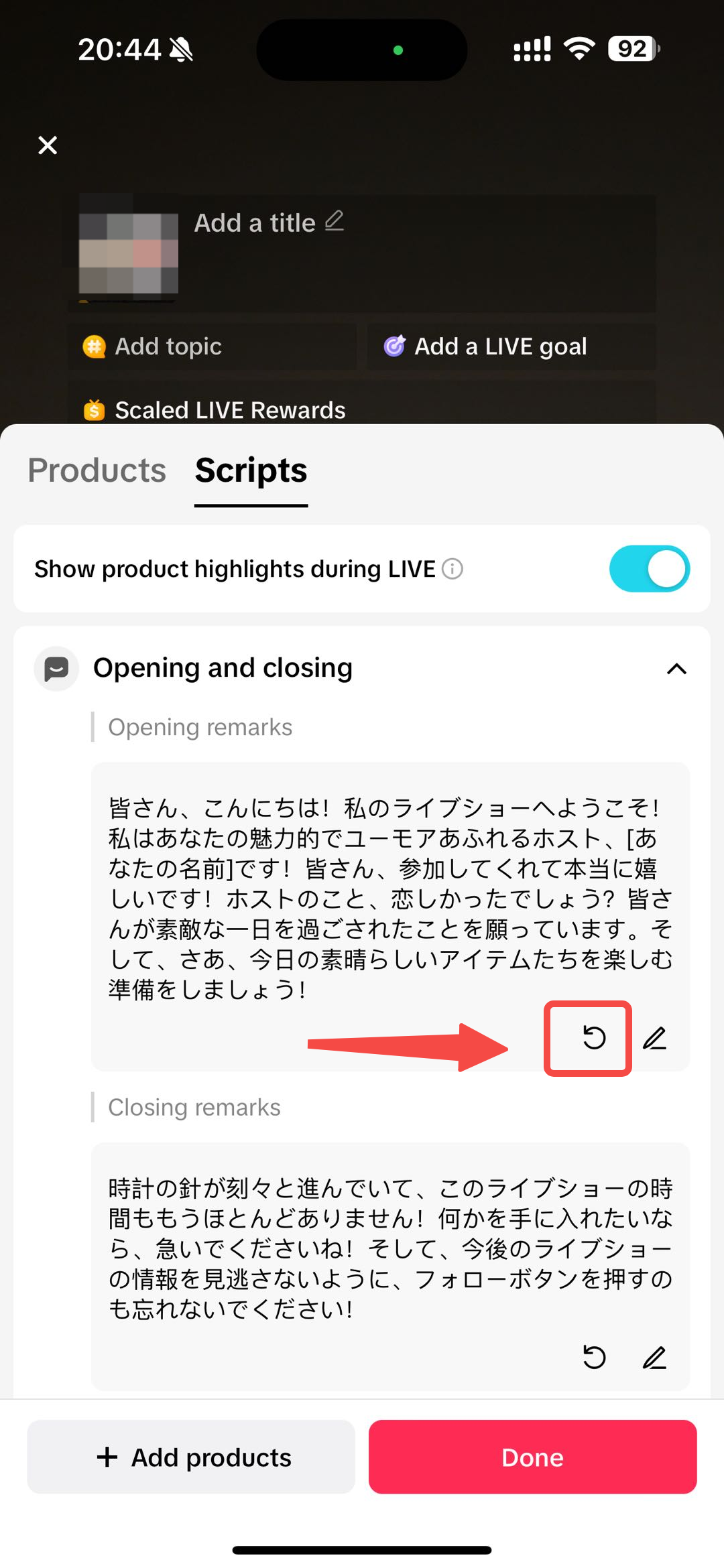
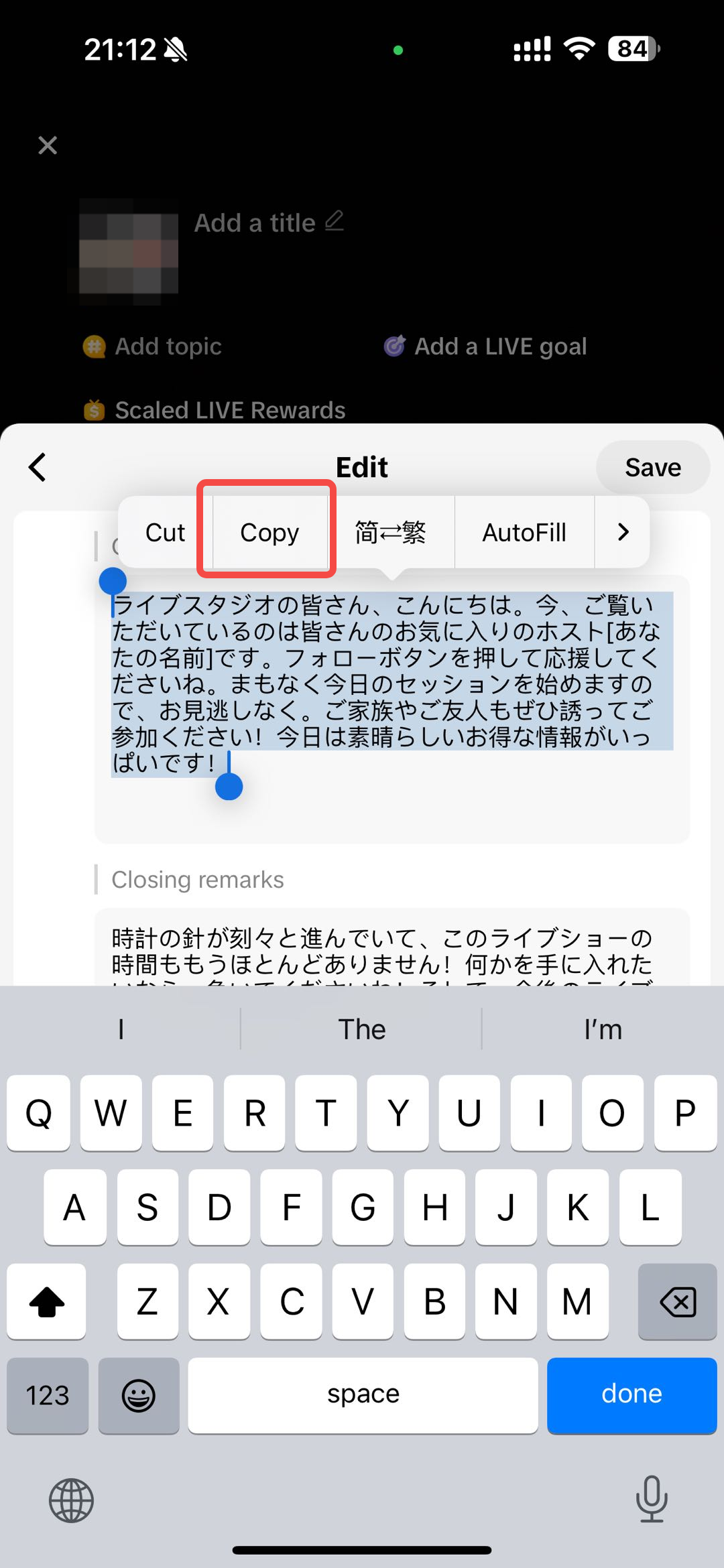
Step 2 | Edit or refresh Script suggestion
|  |  | 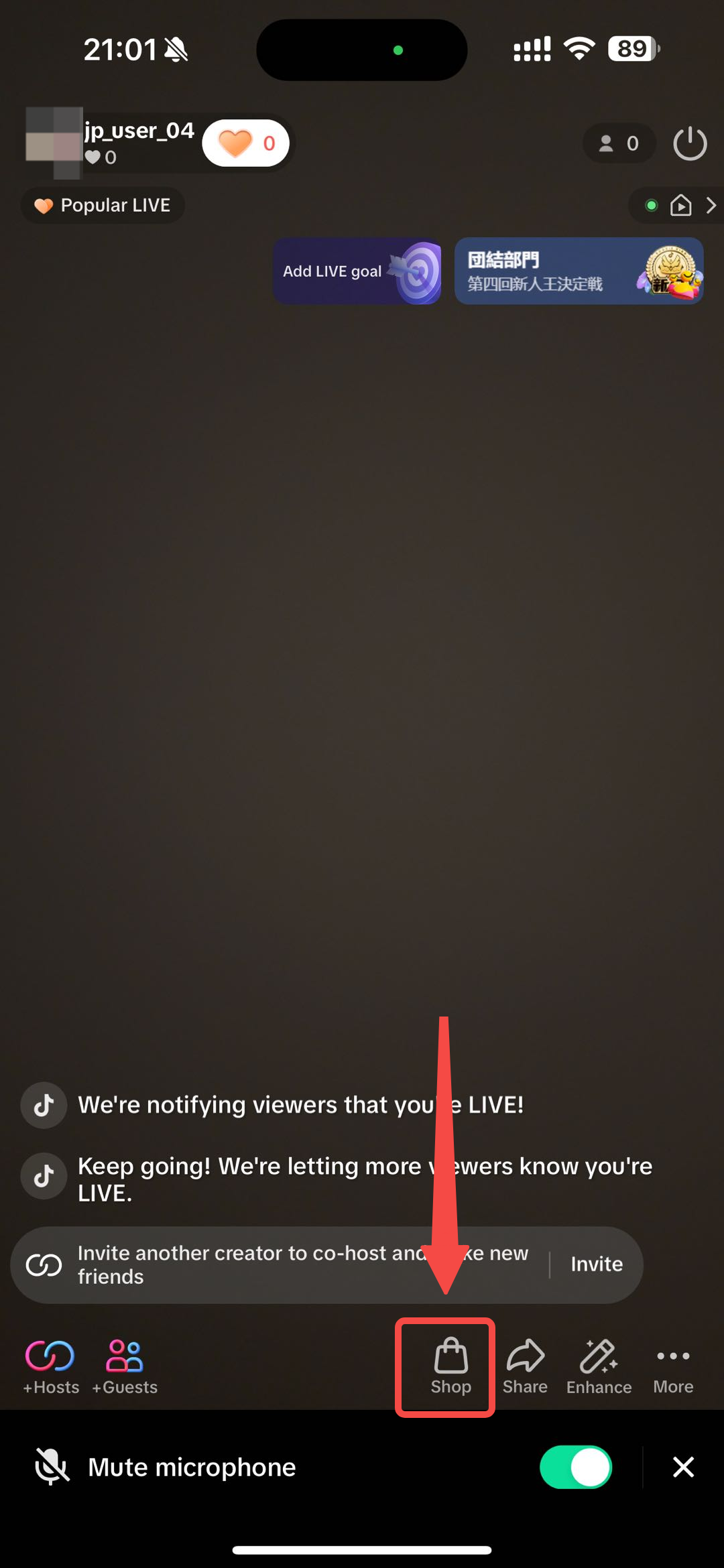 |
Step 3 | Confirm the setup and go LIVE
|  |  |  |