

AI動画制作ツール
💡 Feature Overview
Our AI tools for short video creation in Seller Center are being upgraded into a unified AI Video Maker.The existing Image-to-Video and Auto-Generate Video features will be merged into one streamlined interface, including AI Video Creator and Content Library. Sellers can simply select products and upload images or video clips to instantly generate shoppable videos.
In addition, we are upgrading the AI model to the latest version, enabling more realistic, higher-quality, and visually compelling content generation.
🌟 How AI Video Maker Benefits You
- Create videos faster: Turn existing product images and videos into ready-to-post shoppable videos in minutes using AI.
- Get more control: Customize your video length, language, voiceover, templates, and prompts, and optionally review or edit scripts before generating.
- Post faster: Generate, review, and post videos directly from Seller Center.
🧭 How to Access This Feature
You can access this feature directly from Seller Center.📍 Where to find it (Entry)
Seller Center → Shoppable Videos → Create Content→ AI video maker🎥 How it Works
📸 Posting Steps (3 clicks to go live!)
Add product (AI will generate shoppable videos based on the product you choose) → Upload materials(images or video clips) →Generate → Post on Tiktok💡What’s more? -Train Your AI more Professional (optional steps)
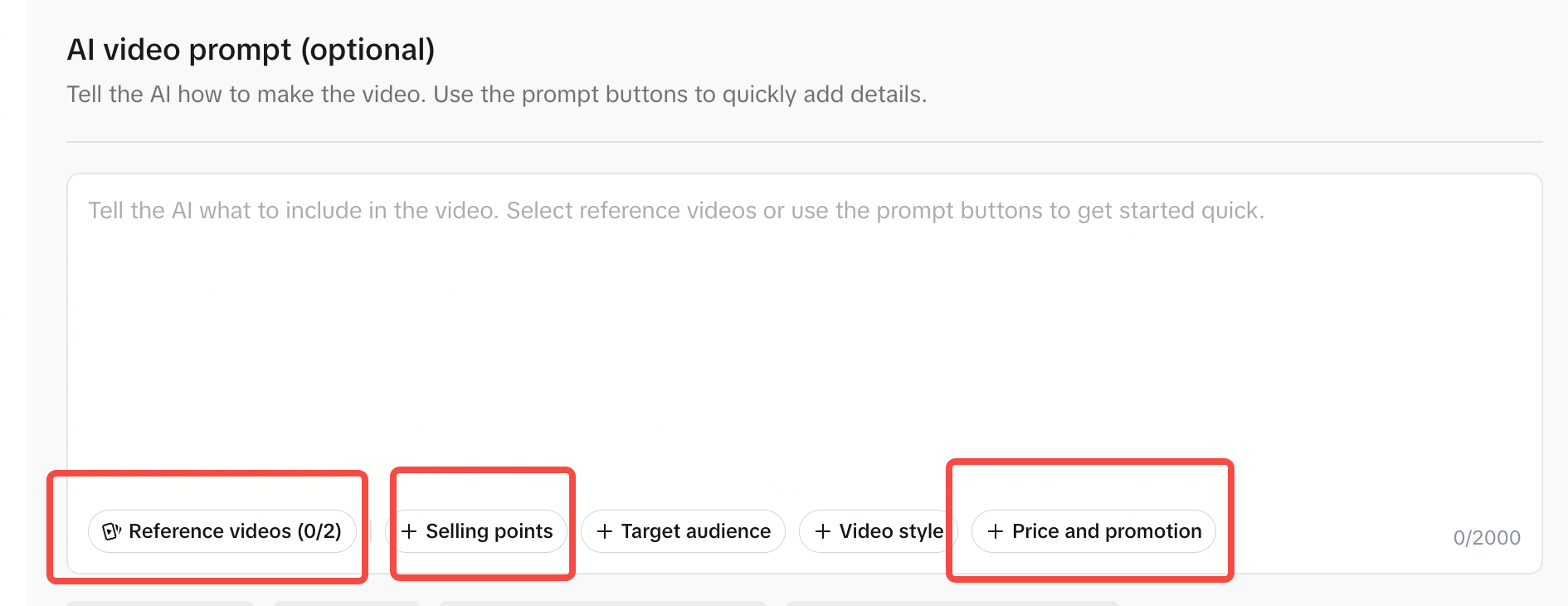
- You can describe more detail requirements ( reference video links, selling points, target audience, video styles) to guide the AI generation.
For Example:Prompt for fashion accessoriesUse these product highlights as selling points: stylish design, lightweight, versatile matching, high-quality material.This is the target audience of the video: fashion lovers aged 18–30 who pursue casual daily looks and outdoor wear.Here's how I want the video to be styled: dynamic, upbeat, fast-paced cuts, fresh color tone with a slight filter.Highlight these price and promotion details: buy two get one 50% off
- You can preview all scripts and overlay text created by AI and edited by yourself.
📖Content Library
⛔️ Generated Task Management
You can check all AI generation tasks here with different "Video Status" (Generated / In progress / Incomplete) and "Post Status"(Not posted / Partly posted / All posted).📁 Material Management displays all library resources including image materials and video materials.
Frequently Asked Questions (FAQs)
| Question | Answer |
| What materials are in the content library? What materials work best for AI video creation? | The content library automatically syncs your product images and published videos from your account. You may also upload additional clear product-related images/videos for better results.We have also provide a material guide: |
| How many videos can AIGC generate at once? How many times can I generate per day? | The tool generates 3 videos by default each time. Each seller has up to 10 generation opportunities per day. |
| How efficient is AI content generation? | Generating video content takes about 30–45 minutes per time, and script generation takes around 5 minutes.(We are continuously optimizing… 🙏) |
🙏 We Value Your Feedback!
To help us continually improve this AI feature, we encourage you to provide feedback on the generated videos.- Like: If you're happy with the video, simply click "Like." You'll see a "Thank you for your feedback" message.
- Dislike: If there's something you don't like, click "Dislike" and choose from options like:
- Effect needs to be improved
- Need to improve the richness
- Generation speed needs to be accelerated
- Other (no input for now)
📝Tips
| Points to Note | ✅ Do's for Premium Types | Case | Don't | ❌ Low-quality Type Don'ts |
| Image creatives |
|     |
| 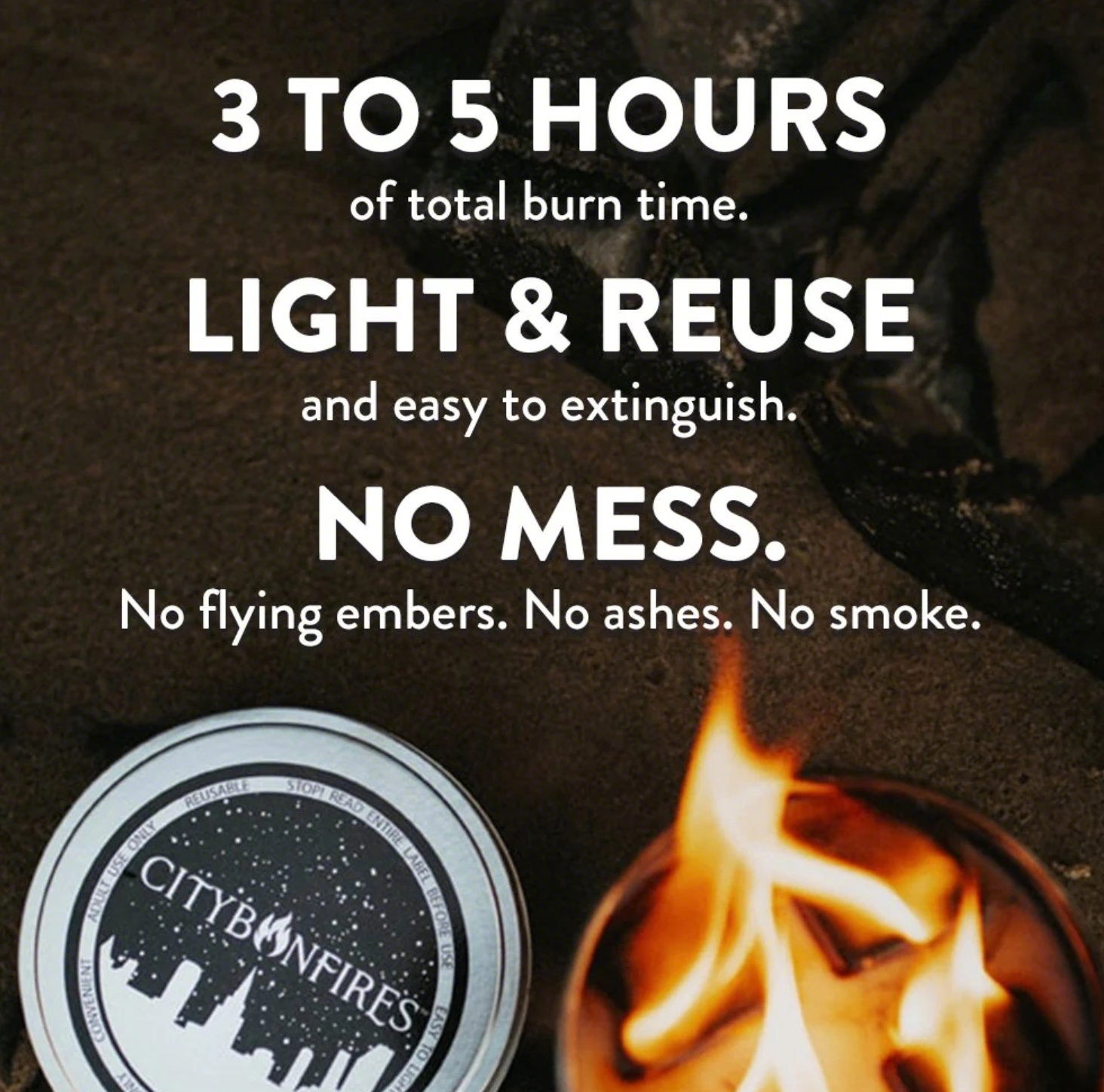 (Product subject is unclear) |
| Video creatives |
| (The video is real footage and shows no signs of editing) |
|  |
| Upload Strategy |
| Avoid situations where high-quality images are present, but low-quality video creatives are uploaded simultaneously, resulting in inconsistent final video effects | ||
| Prompt Preset |
|  | The preset template is used directly without inspection | 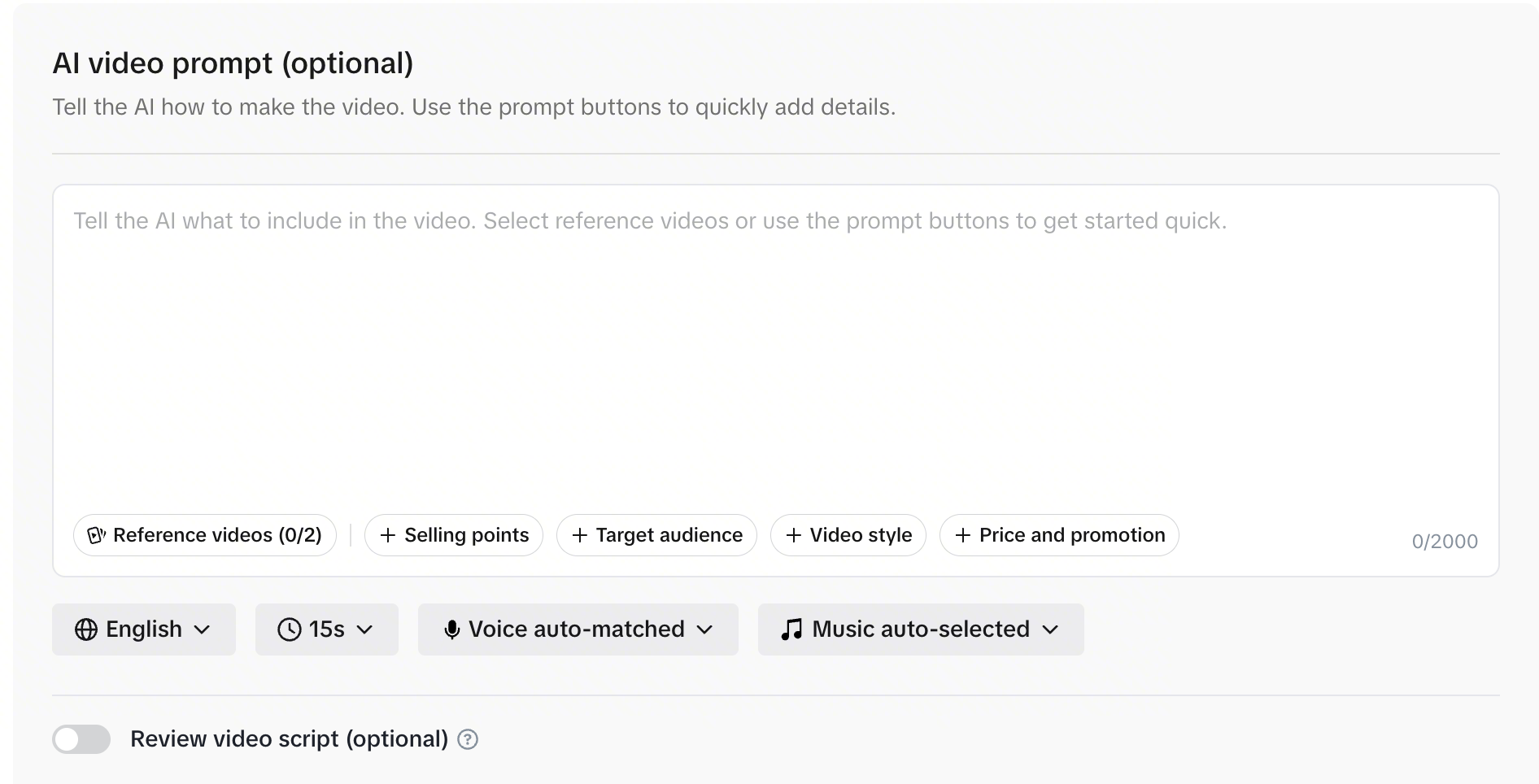 |