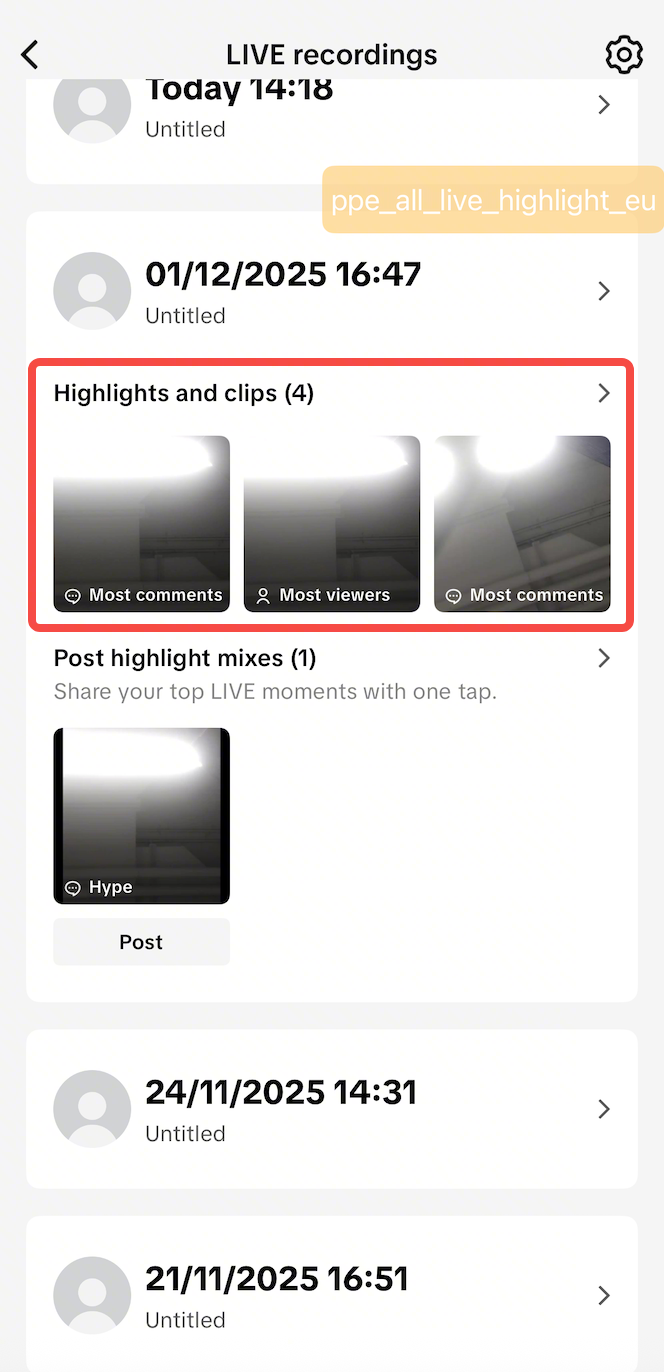
This article teaches you how to use LIVE Highlights to increase your engagement, Short Videos views, and conversions. You will learn how to set up and manage LIVE Highlights on TikTok App.
What is LIVE Highlights?
LIVE Highlights is a tool designed for repurposing best-performing livestream content on TikTok Shop. The tool is available for anyone: Sellers, Creators, Official or Marketing accounts can all use this tool with no Shop Performance Score limitation.
The platform
automatically captures product-introduction moments from the LIVE into perfectly timed clips.
The top 3 clips with the highest product clicks will be selected as "highlights". These clips are then provided to the host 10 minutes after your LIVE ends. After receiving the clips, the host can edit the TikTok Videos however they like and post them with product anchors linked to them.
How to use LIVE highlights
Step 1: Complete a LIVE
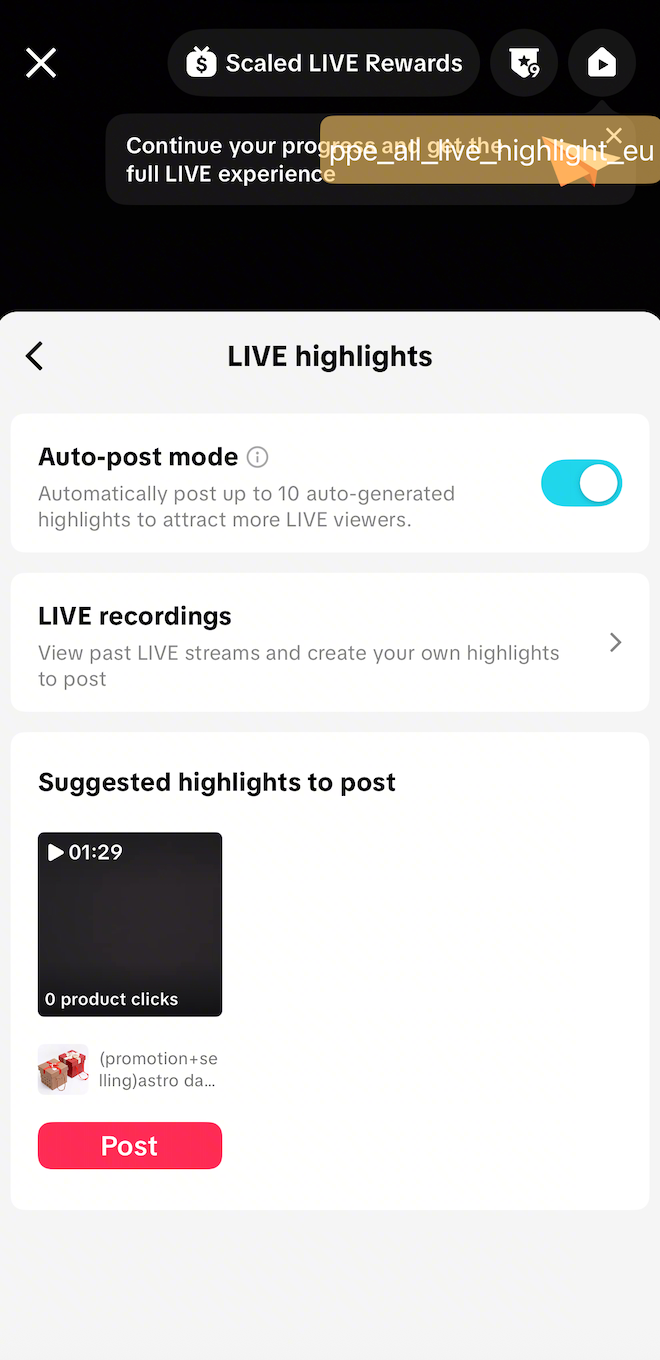
Step 2: Click the '+' button > LIVE > Click on Products to open the 'LIVE Shopping Bag'. Click on the Highlights button
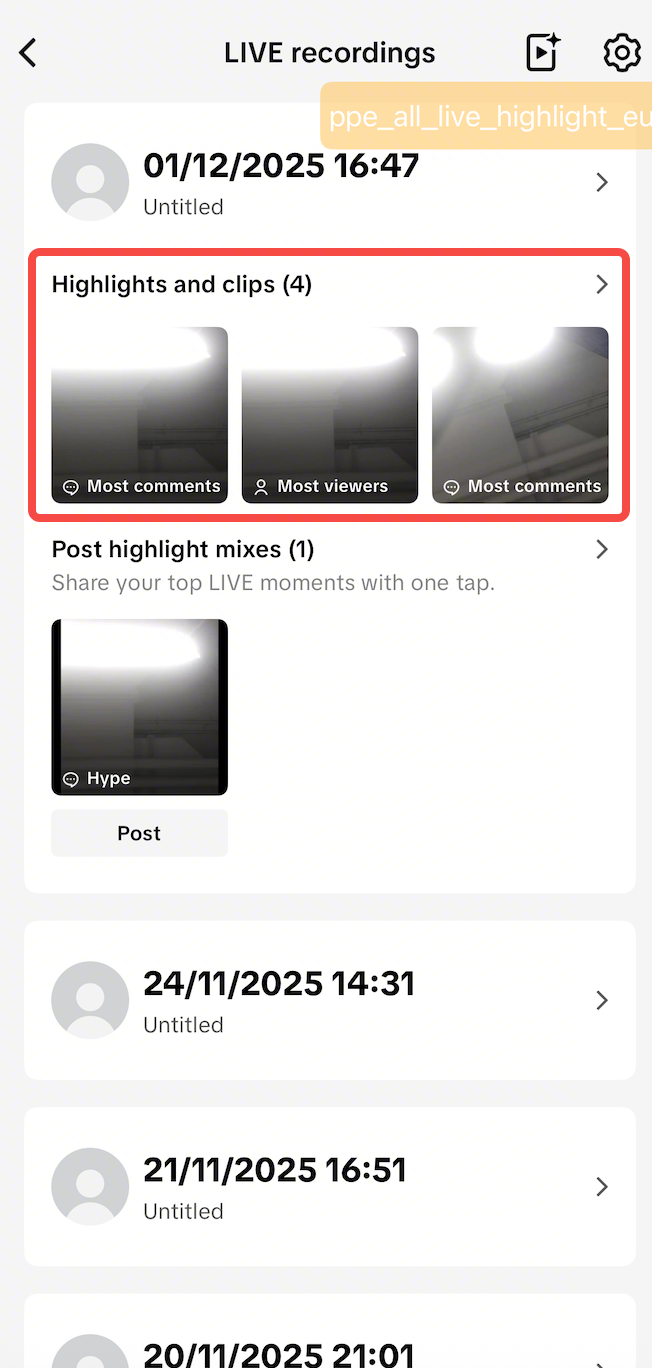
Step 3: Open LIVE recordings
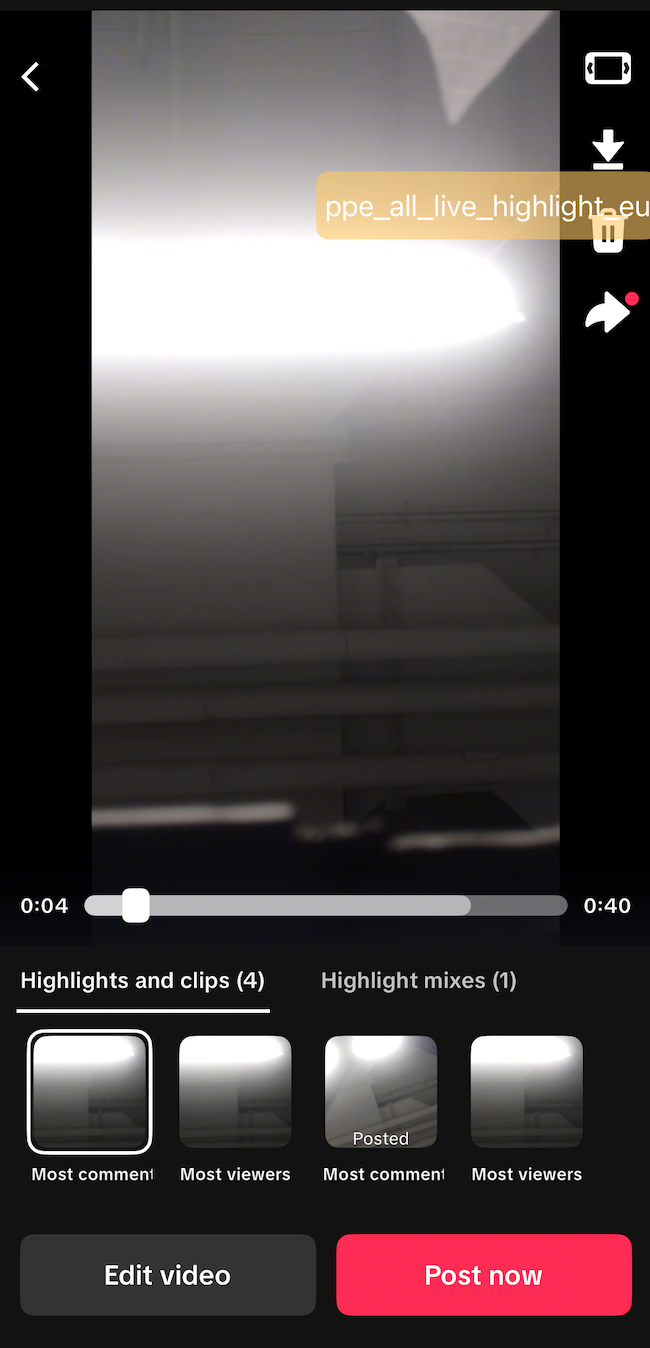
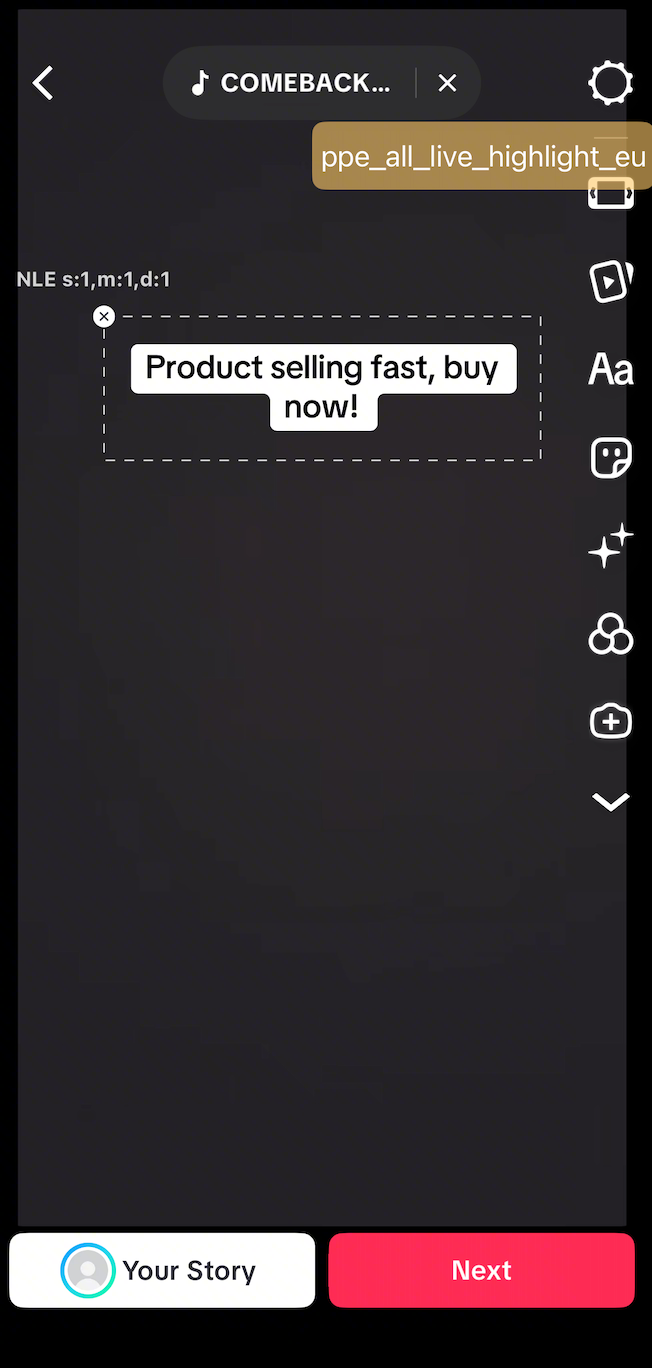
Step 4: Select and edit a Highlight video to publish
Step 5: Check the automatically provided product link and post the short video
Entrance via LIVE Center
Step 1: Complete a LIVE
Step 2: Click the + button to enter the LIVE menu, click LIVE Center and then LIVE recordings
Step 3: Choose which Highlights to post as short videos/TikToks
Step 4: Select and edit a Highlight video to publish
Step 5: Check the automatically provided product link and post the short video
Pro Tips
- Share at least 3 different products during livestream
If sellers feature a variety of products, the LIVE highlights feature can offer more diverse content, leading to enhanced exposure to the products and TikTok Shop.
- Go LIVE for about one to two hours
This timeframe ensures enough content for both the platform and the seller to trim the TikTok Videos that are highlighted, providing a more engaging experience for viewers.
- Follow Short Video best practices
Maximize the Highlights reach as Short Videos by using trending Sounds and Hashtags, adding captions, and using engaging Stickers to attract potential customers. These practices will ensure the highlights lead to more conversions.
FAQ
- What do sellers have to do get the Highlights from LIVE?
Sellers only need sell products during a LIVE.
- The platform will automatically captures product-introduction moments from the LIVE into perfectly-timed clips.
- The top 3 clips from a LIVE with the most product click will be provided to sellers as Highlights.
- How long is the required LIVE duration for the platform to start providing LIVE Highlights?
There is no minimum LIVE duration and no time limit for the system to start providing LIVE Highlights.
However, no matter how long the livestream session is, the system will only provide 3 Highlights per live, based on the highest product clicks by livestream viewers. This is a good indicator of the clips' potential performance when reposted as a short video.
- If the product linkage is done wrongly by the system, can the seller change the product?
Yes, sellers can change the linked product at will when reposting LIVE Highlight as a TikTok Short Video.
- What will happen to the highlights after the LIVE Recording expires in 90 days or gets deleted?
LIVE Highlights will be stored for all past livestream sessions.
On your TikTok App, click the '
+' button >
LIVE >
Products to open the '
LIVE Shopping Bag'. Click on the
Highlight button to retrieve your historical highlights and repost them as Short Videos.
- If sellers accidentally deleted my LIVE replay, could it be undone?
No. If sellers deletes LIVE replay, it can not be recovered.